
All Guides


What Is Two-Factor Authentication? Easy Explanation for Seniors
You create a strong password for your bank account. You're careful not to share it with anyone. But one day, you get an email saying someone tried...

How to Send an Email (Step-by-Step for Seniors): Gmail, iPhone Mail and Outlook
By Jason Stanley, Senior Tech Help · Last updated: October 21, 2026 · Facts checked against the official sources linked in this guide. The short...

How to Use Facebook Safely (and What to Do If Your Account Is Hacked)
By Jason Stanley, Senior Tech Help · Last updated: October 21, 2026 · Facts checked against the official sources linked in this guide. The short...

How to Connect to Wi-Fi on iPhone, Android, Windows and Mac
By Jason Stanley, Senior Tech Help · Last updated: October 22, 2026 · Facts checked against the official sources linked in this guide. The short...

Best Laptops for Seniors in 2026
By Jason Stanley, Senior Tech Help · Last updated: October 20, 2026 · Facts and prices checked against the official sources linked in this guide....

How to Pay Bills Online Safely (Bank Apps, Bill Pay and Autopay for Seniors)
By Jason Stanley, Senior Tech Help · Last updated: October 21, 2026 · Facts checked against the official sources linked in this guide. The short...

What Internet Speed Do Seniors Really Need?
By Jason Stanley, Senior Tech Help · Last updated: October 21, 2026 · Facts and prices checked against the official sources linked in this guide....
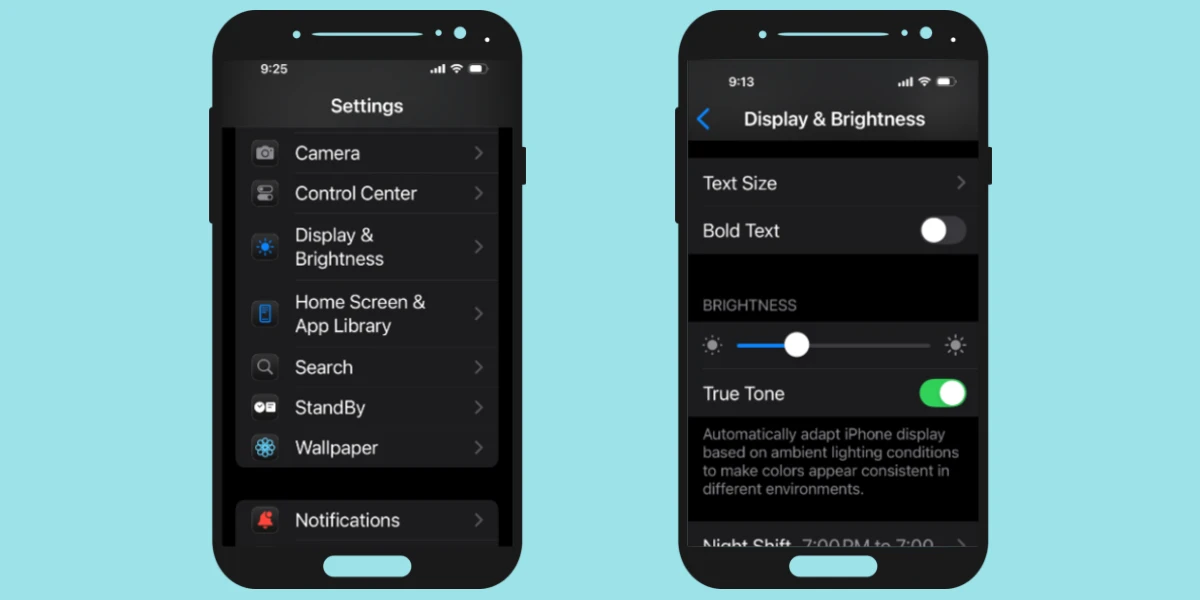
How to Make Text Bigger on iPhone (and Android): Step-by-Step for Seniors
By Jason Stanley, Senior Tech Help · Last updated: October 21, 2026 · Facts checked against the official sources linked in this guide. The short...

About the Author
Jason is a technology consultant and web developer with more than 25 years of experience building secure web-based platforms and digital systems for businesses of all sizes.
His background includes website development, WordPress integration, database systems (PHP & MySQL), online security tools, Google Ads and Analytics implementation, API integrations, SMS and email automation systems, and emerging technologies such as AI tools and blockchain platforms.
After decades of working behind the scenes in digital systems, Jason recognized how overwhelming everyday technology can feel, especially for seniors and beginners. Senior Tech Help was created to provide clear, calm, step-by-step guidance that focuses on safety, simplicity, and practical solutions.
His mission is to help people use modern technology with confidence, without fear or confusion.