
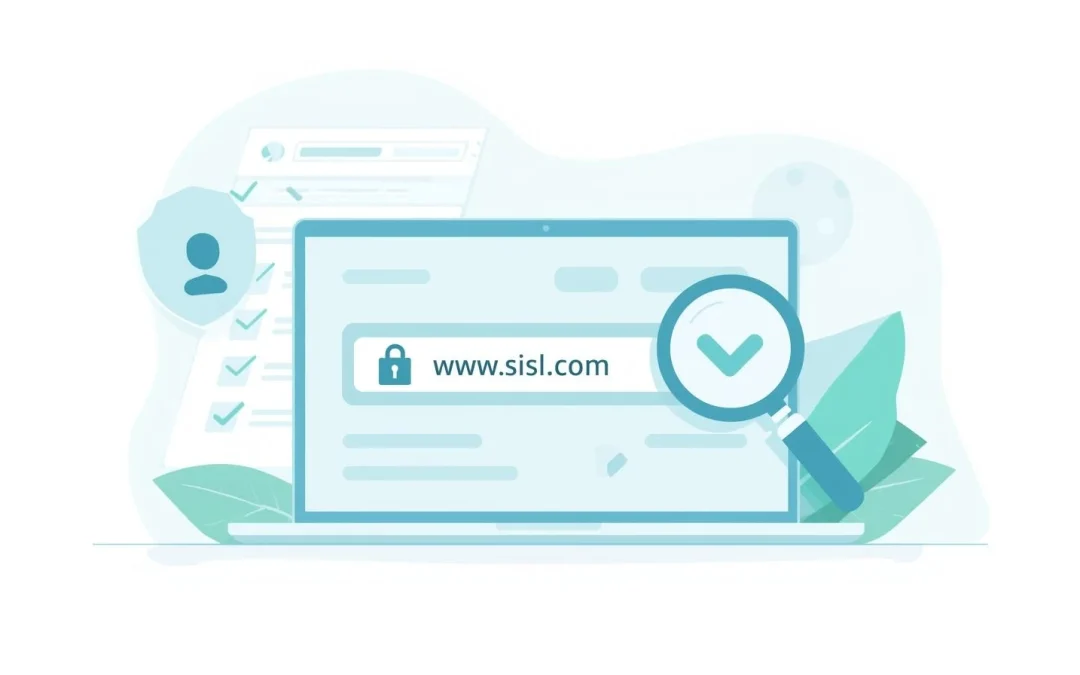
If you’ve ever clicked a link and wondered, “Is this website safe?” — you’re not alone. Fake websites are one of the most common ways scammers steal passwords, credit card numbers, and personal information.

The good news is that you do not need technical skills to check if a website is safe. There are a few simple signs anyone can look for.
Quick Answer: How Do You Know If a Website Is Safe?
You can usually tell if a website is safe by checking for:
- HTTPS in the address bar (not just HTTP)
- A small padlock icon next to the website address
- No spelling mistakes in the web address
- No urgent pop-ups demanding payment or personal information
- A real contact page with clear business details
Simple rule: If a website pressures you, scares you, or asks for sensitive information immediately — stop and leave.
Table of Contents
- 1. Look for HTTPS and the Padlock
- 2. Check the Website Address Carefully
- 3. Watch for Poor Design and Mistakes
- 4. Beware of Urgent Warnings or Scare Tactics
- 5. Check for Real Contact Information
- 6. Search for Reviews Before Buying
- 7. Use Online Safety Tools
- 8. What to Do If You’re Not Sure
- Frequently Asked Questions
1. Look for HTTPS and the Padlock
When you visit a safe website, the address bar should start with:
https://
The “S” stands for secure. You should also see a small padlock icon next to the address.
This means the connection between your device and the website is encrypted. It does not guarantee the website is honest, but it is the first basic safety check.
If you see only http:// with no padlock, avoid entering passwords or payment information.
2. Check the Website Address Carefully
Scam websites often use addresses that look almost correct but have small changes.
For example:
- amaz0n.com (zero instead of “o”)
- paypa1.com (number one instead of “l”)
- apple-support-login.com (extra words added)
Always read the full web address slowly. Even one extra letter can mean it’s fake.
Tip: If you arrived from an email link, consider closing it and typing the official website yourself.
3. Watch for Poor Design and Obvious Mistakes
Many scam websites:
- Have spelling or grammar errors
- Use blurry logos
- Contain broken links
- Look rushed or poorly organized
Large, legitimate companies rarely have messy websites filled with obvious mistakes.
4. Beware of Urgent Warnings or Scare Tactics
Be cautious if a website says things like:
- “Your computer is infected!”
- “Your account will be locked in 5 minutes!”
- “Call this number immediately!”
- “Act now or lose access!”
Real companies do not threaten you through pop-ups.
If you see an alarming message, close the browser. Do not call the number provided.
5. Check for Real Contact Information
A legitimate website usually includes:
- A physical address
- A working phone number
- A clear “About” page
- A privacy policy
If there is no contact information at all, that is a warning sign.
6. Search for Reviews Before Buying
Before entering credit card information, search:
Website name + reviews
Look for:
- Multiple complaints
- Reports of fraud
- Delivery problems
- Customer service issues
If many people report problems, avoid the site.
7. Use Online Website Safety Tools
You can also use free tools to check website safety:
- Google Safe Browsing
- VirusTotal
- Better Business Bureau (BBB)
These tools can flag known scam websites.
8. What to Do If You’re Not Sure
If you feel unsure about a website:
- Do not enter personal information
- Do not enter payment details
- Close the page
- Ask a trusted family member for help
Trust your instincts. If something feels off, it probably is.
Frequently Asked Questions
Does HTTPS mean a website is completely safe?
No. HTTPS only means the connection is encrypted. Scam websites can still use HTTPS. You should check other warning signs too.
What if I already entered my information on a suspicious website?
Change your passwords immediately. Contact your bank if you entered credit card information. Monitor your accounts closely.
Can a website infect my computer just by visiting it?
It is rare on updated devices, but possible. Keeping your computer updated significantly reduces risk.
Are shopping ads on social media safe?
Some are legitimate. Many are not. Always research the company before buying.
Final Thoughts
You do not need advanced technical skills to stay safe online. Most scam websites reveal themselves through pressure, poor design, strange web addresses, or requests for sensitive information.
Remember the simple rule: If a website pressures you or asks for personal information too quickly, leave.
Online safety is about slowing down, checking carefully, and never reacting to fear-based messages.
