
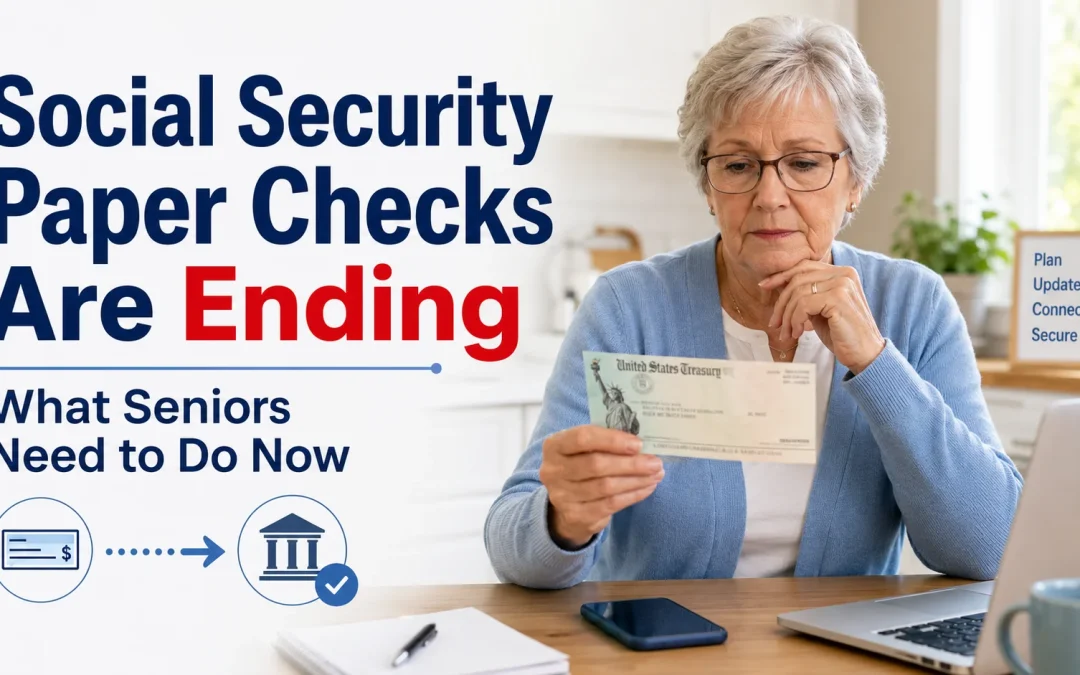

The short answer: federal benefits, including Social Security and SSI, must now be paid electronically. Social Security says it plans to finish moving everyone off paper checks in 2026 (SSA). If you still get a paper check, switch to direct deposit into a bank or credit union account, or to a Direct Express prepaid debit card if you don’t have a bank account (SSA).
Why paper checks are ending
Since September 30, 2025, federal law and Executive Order 14247 require federal benefits to be paid electronically, and the Treasury is phasing out paper checks. Social Security says paper checks are 16 times more likely than electronic payments to be lost, stolen, altered or returned as undeliverable (SSA).
Your two choices
Direct deposit (best if you have a bank account)
Your payment goes straight into your checking or savings account every month. The money is ready as soon as the bank opens on your payment day, and you don’t pay check-cashing fees (SSA). If you don’t have an account, the FDIC’s GetBanked page explains how to open one (SSA).
Direct Express card (if you don’t have a bank account)
Your benefits are loaded onto a prepaid Direct Express Debit Mastercard. You can sign up at GoDirect.gov or by calling 1-800-967-6857 (SSA).
How to switch (pick one)
- Online: sign in to your my Social Security account at ssa.gov/myaccount and add your bank account details (SSA).
- At your bank: ask your bank or credit union to send your direct deposit information to Social Security for you (SSA).
- By phone: call the Treasury’s Electronic Payment Solution Center at 1-800-333-1795, or Social Security at 1-800-772-1213 (TTY 1-800-325-0778) (SSA).
Have your bank’s routing number and your account number ready. Both are printed at the bottom of a check, or you can ask your bank.
How to set up a my Social Security account
- Go to ssa.gov/myaccount. Type it in yourself rather than clicking a link in an email or text.
- Choose Login.gov or ID.me to sign in. If you’re not sure, Social Security suggests Login.gov (SSA).
- If you don’t already have one of those accounts, create one. You’ll need an email address, a government-issued photo ID, and either a phone number (Login.gov) or a device with a camera (ID.me). Checking your identity takes about 5 to 20 minutes, and you only do it once (SSA).
- You’ll then be signed in to your my Social Security account (SSA).
You must be 18 or older and have a valid email address. Since June 7, 2025, the old username-and-password sign-in has been replaced by Login.gov and ID.me (SSA).
If you can’t switch: ask for a waiver
In very rare cases the Treasury grants exceptions, for example for some people with mental health challenges or who live somewhere remote without access to a bank. To ask, call the Treasury at 1-855-290-1545, or print the waiver form and mail it to the address on the form (SSA). Social Security’s June 2026 update also lists 1-877-874-6347 for waiver requests (SSA).
Watch out for scams
Scammers use news like this to call, text or email pretending to be Social Security and asking for your bank details “to keep your payments coming.” Hang up, and make changes only through ssa.gov, your bank, or the official numbers above. See how to tell if a Social Security call is a scam.
Also see what to do when a business won’t take your paper check and how to pay bills online safely.
