
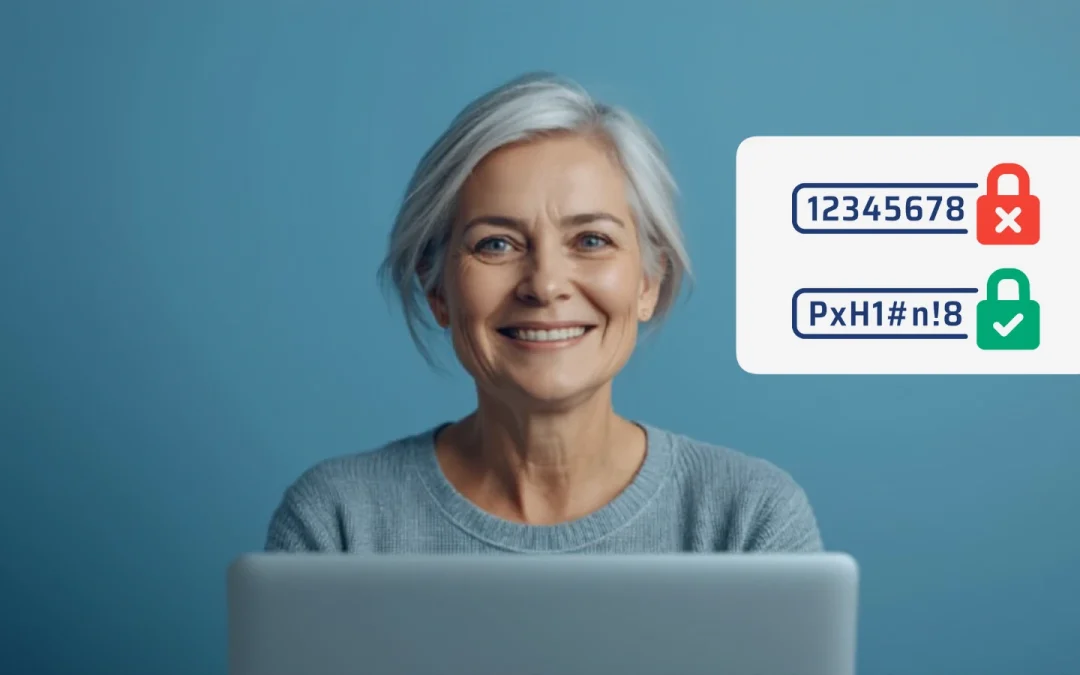

The short answer: make every password long (CISA says at least 16 characters), random and unique, meaning a different one for every account. The easy way to remember them is a password manager, which creates, saves and fills them in for you (CISA). Then turn on two-step verification for your email and bank (FTC).
The three rules for a strong password
- Long: at least 16 characters. Longer is stronger (CISA). The FTC’s minimum is 12 (FTC).
- Random: use a string of mixed letters, numbers and symbols, or a passphrase of 4 to 7 unrelated words, such as CISA’s example “Horse Purple Hat Run Bay Lifting.” Avoid birthdays, pet names, song lyrics and famous quotes (CISA, FTC).
- Unique: never reuse a password. If one website is hacked, criminals try the same password on your email and bank (CISA).
Don’t use the examples above. They’re published, so they’re no longer secret.
Let your phone remember them for you
A password manager means you only have to remember one strong password, or just unlock your phone. Free managers are built into your phone and web browser (CISA).
iPhone: the Passwords app
- On iOS 18 and later, open the Passwords app and unlock it with Face ID, Touch ID or your passcode to see your saved passwords (Apple).
- When you sign up on a website or in an app, your iPhone can create a strong password, save it in the Passwords app and fill it in for you next time (Apple).
- On iOS 17 or earlier, saved passwords are in Settings > Passwords (Apple).
Android and Chrome: Google Password Manager
- When you’re signed in to your Google Account, Android and Chrome offer to save passwords for you (Google).
- To see them, open passwords.google.com or go to Google Password Manager on your phone or in Chrome (Google).
Prefer a separate app? CISA suggests checking a trusted source such as Consumer Reports and reading reviews before choosing one (CISA).
Add a second lock: two-step verification
Two-step (or two-factor) verification means a thief with your password still can’t get in without a second check. A code by text or email is better than nothing, but the FTC says an authenticator app or a security key is safer (FTC). Start with your email, because password-reset links go there (FTC). See what two-factor authentication is.
Passkeys: no password to remember
Many sites, including Google, now offer passkeys. You sign in with your fingerprint, face or phone screen lock instead of typing a password. Passkeys can’t be written down or given away, so they’re harder for scammers to phish (Google). The FDIC also suggests considering passkeys when a bank offers them (FDIC).
Security questions and data breaches
- Pick security questions that strangers can’t look up. Skip mother’s maiden name and birthplace, or answer them like a password (FTC).
- If a company tells you it lost your password in a breach, change it right away, and change it anywhere you used the same one (FTC).
- Real companies won’t contact you out of the blue to ask for your password (FDIC). If someone does, it’s a scam. See what to do if your email gets hacked.
https://youtu.be/z75VAq8EOjs
