Senior Tech Help
  • ABOUT
  • GUIDES
  • LEARN
    • Computers
    • Email & Messaging
    • Everyday Digital Skills
    • Internet & WiFi
    • Online Safety
    • Smartphones
Select Page
How Seniors Can Spot a Romance Scam Online: Warning Signs and What to Do

How Seniors Can Spot a Romance Scam Online: Warning Signs and What to Do

by Jason Stanley | May 27, 2026 | Online Safety, Videos

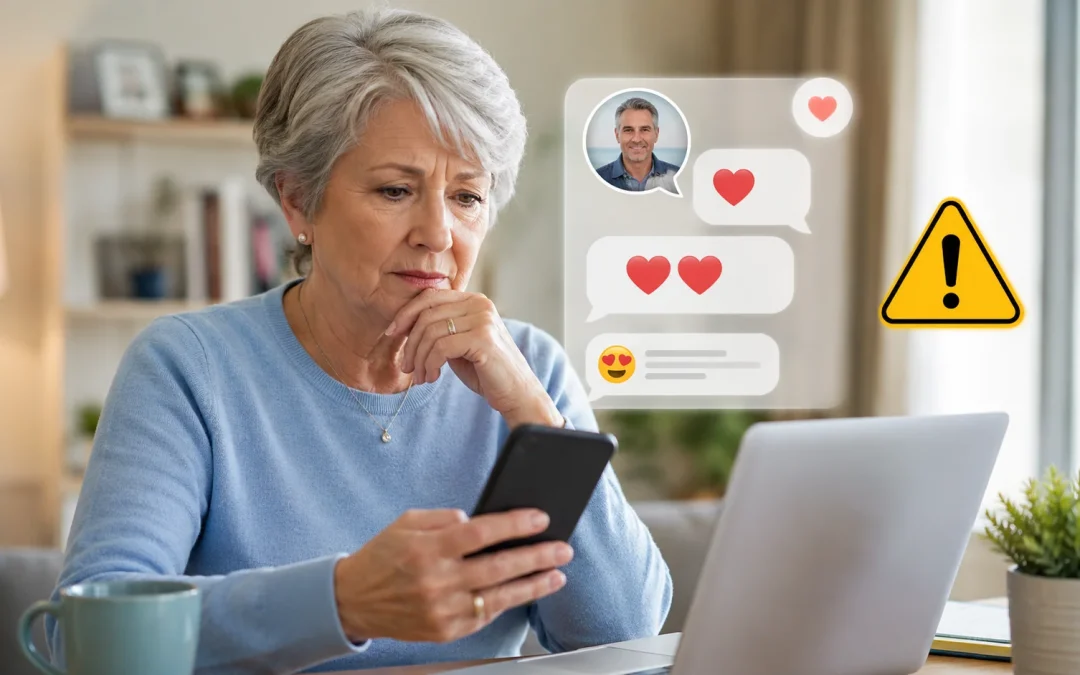
To spot a romance scam online, pause and ask yourself three questions: are they moving too fast, asking for money, or refusing to meet on video? If any answer is yes, stop replying, do not send money, and talk to someone you trust before continuing. Romance scammers...
How to Tell If a Social Security Call Is a Scam

How to Tell If a Social Security Call Is a Scam

by Jason Stanley | May 22, 2026 | Online Safety, Videos

To tell if a Social Security call is a scam, hang up, look up the official Social Security phone number yourself, and call back using that number instead of any number that called you. Do not press any buttons, do not confirm personal details, and do not give your...
Grandchild Scam: What to Do If You Get a Call Asking for Money

Grandchild Scam: What to Do If You Get a Call Asking for Money

by Jason Stanley | May 18, 2026 | Online Safety, Videos

Yes, if someone calls claiming to be your grandchild and urgently asks for money, it is usually a scam. These calls are designed to create panic, but most seniors can stay safe by hanging up, slowing down, and checking with a trusted family member first. Table of...
How to Spot Online and AI Scams Targeting Seniors (Warning Signs and What to Do)

How to Spot Online and AI Scams Targeting Seniors (Warning Signs and What to Do)

by Jason Stanley | Apr 30, 2026 | Online Safety, Videos

By Jason Stanley, Senior Tech Help · Last updated: October 21, 2026 · Facts checked against the official sources linked in this guide. The short answer: most online scams, with or without AI, share the same warning signs. They contact you out of the blue,...
How to Use AI to Write an Email (Gmail, iPhone, Outlook and ChatGPT)

How to Use AI to Write an Email (Gmail, iPhone, Outlook and ChatGPT)

by Jason Stanley | Apr 23, 2026 | AI Made Simple, Videos

By Jason Stanley, Senior Tech Help · Last updated: October 22, 2026 · Facts checked against the official sources linked in this guide. The short answer: in the Gmail app, tap Compose, then Help me write at the top right. Type what the email should say, for example...
What Is AI? A Simple Explanation for Beginners

What Is AI? A Simple Explanation for Beginners

by Jason Stanley | Apr 21, 2026 | AI Made Simple, Videos

For most seniors and beginners, AI (artificial intelligence) simply means computer programs that can learn from information and then make suggestions, decisions, or create things like text and pictures on their own. It is used in everyday tools such as voice...

« Older Entries

About Me

Jason

Jason has 25+ years in the tech business and writes plain-English guides for seniors and caregivers.

Start Here (Beginners)

  • How to Use FaceTime Step by Step
  • How to Send an Email
  • How to Connect to Wi-Fi
  • How to Use Text Messaging
  • How to Download Apps Safely

Browse by Topic

  • Smartphone Help
  • Internet & Wi-Fi Help
  • Email & Messaging
  • Computer Help
  • Online Safety
  • Everyday Digital Help

Fix a Problem

  • Wi-Fi Connected But No Internet
  • How to Fix Slow Internet
  • Phone Storage Full
  • Slow Computer Fix
  • Recover Email Password

Stay Safe Online

  • How to Spot Online Scams
  • Avoid Facebook Scams
  • Create a Safe Password
  • Two-Factor Authentication Explained
  • What to Do If Email Gets Hacked

Popular Guides

  • Block Scam Calls on iPhone
  • Block Scam Calls on Android
  • How to Use Zoom
  • How to Use WhatsApp
  • Make Text Bigger on iPhone

Senior Tech Help
Simple, step-by-step technology guides designed for seniors and beginners.

  • About
  • Contact Us
  • Cookie Policy
  • Disclaimer
  • Privacy Policy
  • Terms & Conditions
  • Sitemap
Copyright 2026 SeniorTechHelp.org