
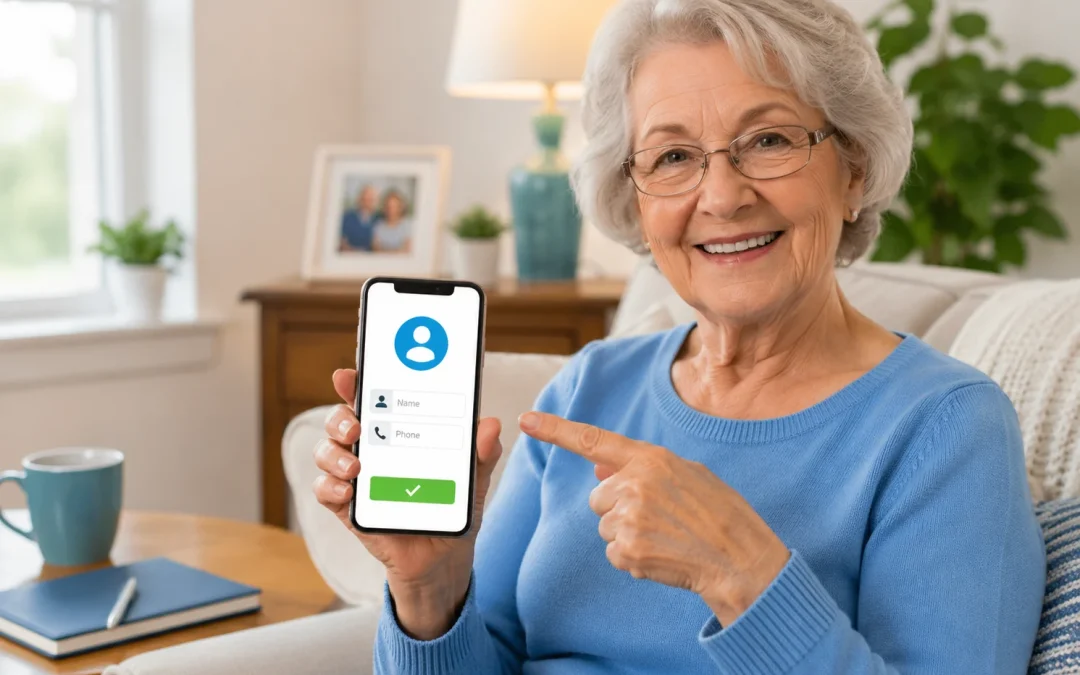

The short answer: on iPhone, open Contacts, tap +, type the name and number, and tap Done (Apple). On Android, open Contacts, tap Add at the bottom right, enter the name and number, and tap Save (Google). Once a number is saved, the person’s name shows when they call, and you can call or text them with one tap.
iPhone: add a new contact
- Open the Contacts app. (You can also tap Contacts inside the Phone app.)
- Tap +.
- Type the first and last name, then tap add phone and enter the number. Add an email or address if you like.
- Tap Done (Apple).
iPhone: save someone who just called
- Open the Phone app.
- Tap the number in your calls list.
- Tap Create New Contact and type their name, or tap Add to Existing Contact to add the number to someone already saved (Apple).
Only save numbers you recognize. If you don’t know who called, don’t call back to find out. See why scammers use your area code.
Android: add a new contact
- Open the Contacts app.
- At the bottom right, tap Add.
- Enter the name and a phone number or email. Tap Add fields for more details, or Add picture for a photo.
- Tap Save (Google).
If you have more than one account on the phone, save to your Google Account so the contact is backed up and shows on your other devices (Google). Samsung phones may open Samsung’s own Contacts app; the steps are similar: look for a + button.
Find, change or delete a contact
- Find: on iPhone, use the search field at the bottom of the contacts list (Apple). On Android, use the search bar at the top of Contacts.
- Change: open the contact and tap Edit, make the change, then tap Done or Save.
- Delete: on iPhone, tap Edit, scroll to the bottom and tap Delete Contact (Apple).
Small things that help
- Add a photo so you can see who is calling at a glance.
- Use full names (“Mary Johnson, dentist”) instead of nicknames you might forget.
- Fill in your own card on iPhone so you can share your details easily (Apple).
- Turn on Contacts in iCloud (iPhone) so a lost or broken phone doesn’t mean lost numbers (Apple). Read more in how to set up automatic backups.
Questions people ask about adding contacts
How do I save a number that just called me?
On iPhone, open the Phone app, tap the number in your calls list, then tap Create New Contact or Add to Existing Contact (Apple).
Will I lose my contacts if I get a new phone?
Not if they’re saved to an account. On iPhone, turn on Contacts in Settings > [your name] > iCloud (Apple). On Android, contacts saved to your Google Account sync to your other devices (Google).
How do I put my most important people at the top?
On iPhone, open a contact, scroll down and tap Add to Favorites. Calls from Favorites also get through when Do Not Disturb is on (Apple).
How do I send someone a contact?
On iPhone, open the contact and tap Share Contact, then choose how to send it (Apple).
Should I add the country code?
For numbers in your own country you usually don’t need it. For numbers abroad, and for apps like WhatsApp, enter the full number with the plus sign and country code. On iPhone, touch and hold 0 on the keypad to type + (Apple).
Keep learning
