By Jason Stanley, Senior Tech Help · Last updated: October 21, 2026 · Facts checked against the official sources linked in this guide. The short answer: open the ticket in the seller’s app or confirmation email before you leave home, and tap Add to Apple Wallet...
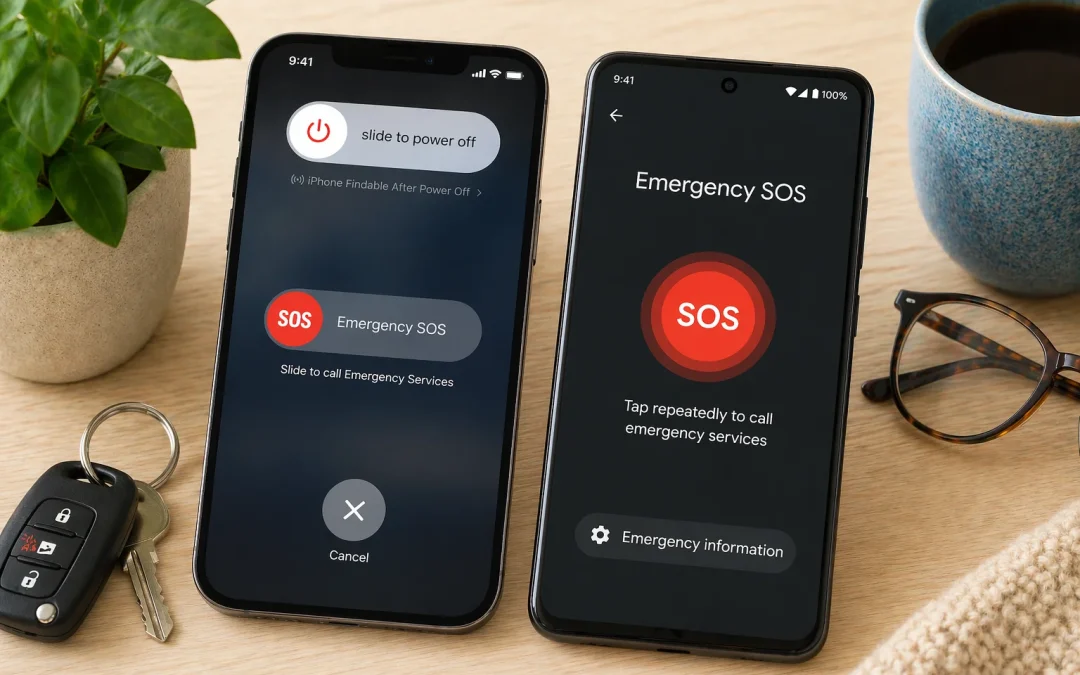
By Jason Stanley, Senior Tech Help · Last updated: October 22, 2026 · Facts checked against the official sources linked in this guide. The short answer: iPhone: press and hold the side button and either volume button until the sliders appear and the countdown ends. To...
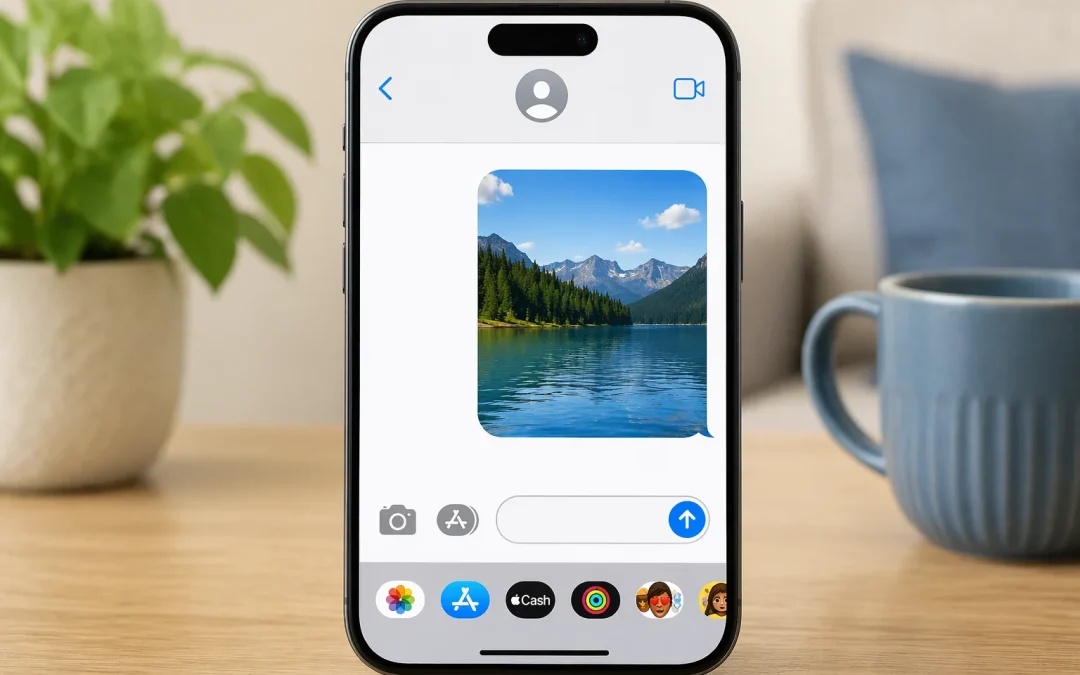
By Jason Stanley, Senior Tech Help · Last updated: October 22, 2026 · Facts checked against the official sources linked in this guide. The short answer: open a conversation in Messages, tap +, tap Photos, tap the picture, then tap the send arrow (Apple). Or open the...
Yes, someone can spy on a smartphone, but it is less common than many people fear. This guide is for seniors and beginners who want clear, calm help to spot real warning signs without getting overwhelmed. You will learn five main signs to watch for, what is normal,...
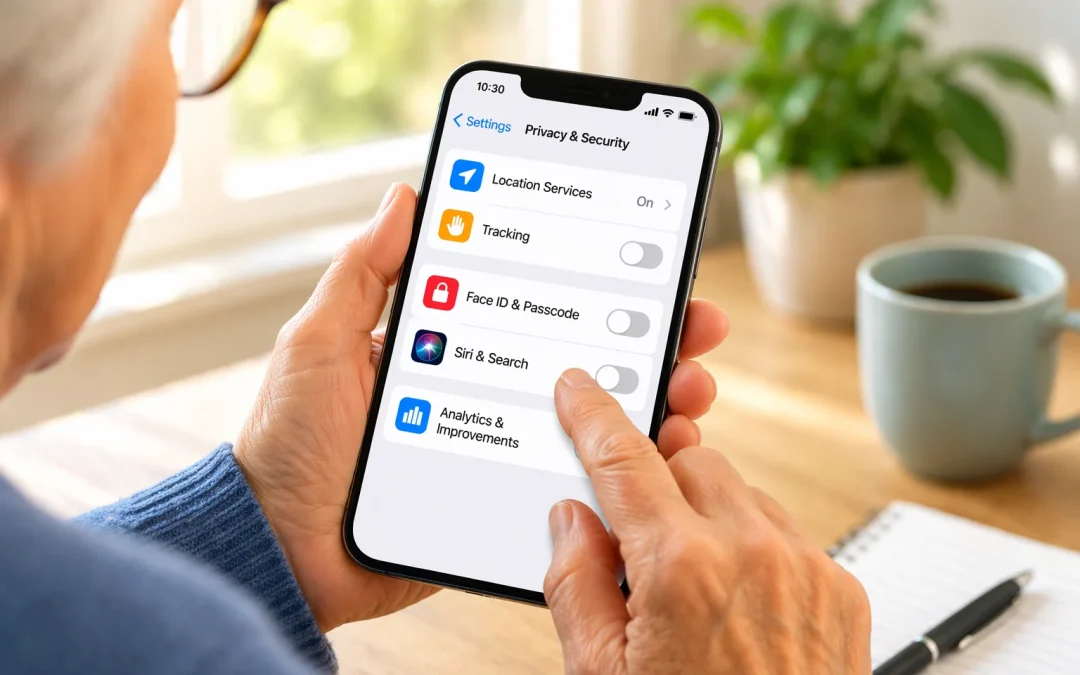
By Jason Stanley, Senior Tech Help · Last updated: October 21, 2026 · Facts checked against the official sources linked in this guide. The short answer: on an iPhone, open Settings > Privacy & Security and work through five settings: Tracking, Location...
By Jason Stanley, Senior Tech Help · Last updated: October 22, 2026 · Facts checked against the official sources linked in this guide. The short answer: open a conversation in Messages, tap the + button, tap #images, tap Find images and type a word like...