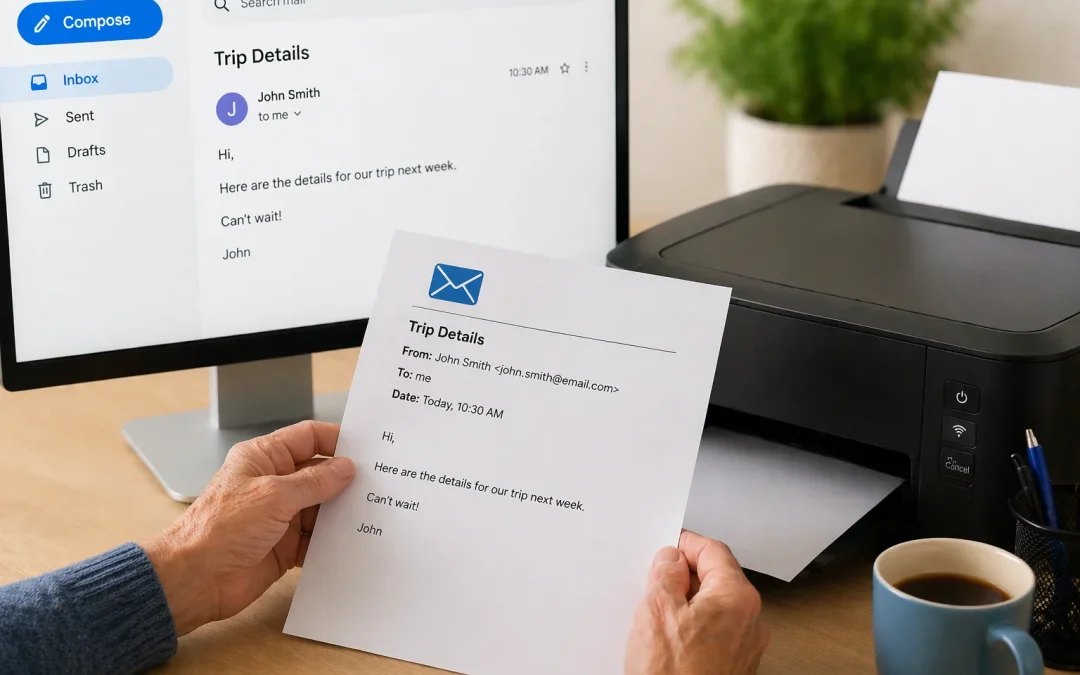
By Jason Stanley, Senior Tech Help · Last updated: October 22, 2026 · Facts checked against the official sources linked in this guide. The short answer: open the email and look for Print. In Gmail on a computer, click More at the top right of the email, then Print, or...
By Jason Stanley, Senior Tech Help · Last updated: October 21, 2026 · Facts checked against the official sources linked in this guide. The short answer: open your phone’s messaging app, tap the button to start a new message, type a name or number, write your...
By Jason Stanley, Senior Tech Help · Last updated: October 21, 2026 · Facts checked against the official sources linked in this guide. The short answer: a phishing email pretends to be from a company you trust so that you’ll click a link, open an attachment, or...
Have you ever forgotten your email password? It can be frustrating, especially when you need to access important messages. Dont worry! Recovering a lost email password is easier than you might think. This guide will walk you through the steps in a simple and friendly...
Welcome to your guide on how to delete emails quickly! If your inbox feels overwhelming, youre not alone. Many seniors and beginners find managing emails challenging. This guide will help you achieve “Inbox Zero” – a clean, organized email space. Lets...
By Jason Stanley, Senior Tech Help · Last updated: October 22, 2026 · Facts checked against the official sources linked in this guide. The short answer: create a free Google Account to get a Gmail address. Go to the Google sign-in page, click Create account, choose...