
Simple Technology Help for Seniors
Step-by-step guides for smartphones, computers, internet, email, and online safety, explained clearly and without confusing jargon.

Choose a Topic to Get Started
Whether you’re learning the basics or fixing a problem, start with the area that matches what you need help with.
Online Safety & Scam Protection
Learn how to avoid phone scams, fake emails, identity theft, and other online threats targeting seniors.
Smartphone Help
Step-by-step help for iPhone and Android settings, blocking scam calls, adjusting text size, and everyday phone use.
Computer Help
Step-by-step help for iPhone and Android settings, blocking scam calls, adjusting text size, and everyday phone use.
Internet & WiFi Help
Improve WiFi signal, fix slow internet, understand routers and modems, and choose the right internet plan.
Email & Messaging
Send emails, attach photos, delete spam, recover passwords, and spot phishing scams.
Everyday Digital Skills
Order groceries online, use Google Maps, scan QR codes, attend telehealth visits, and build digital confidence.
New to Technology? Start Here
If you’re just getting started, these beginner-friendly guides walk you through the basics step by step.
Latest Guides & Updates
Our most recent tutorials and safety articles to help you use technology with confidence.
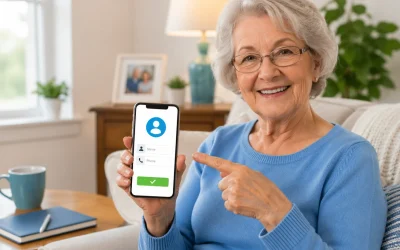
How to Add Contacts on iPhone and Android (Simple Tutorial)
By Jason Stanley, Senior Tech Help · Last updated: October 22, 2026 · Facts checked against the...

Best Budget Internet Plans for Seniors (2026): Low-Cost Programs and Ways to Save
By Jason Stanley, Senior Tech Help · Last updated: October 21, 2026 · Facts checked against the...

Best Budget Apps for Seniors: Simple Options Compared
For most seniors who want a simple way to see where their money is going, a basic budgeting app...

How to Do a Telehealth Appointment (Step-by-Step for Seniors)
Most seniors can use telehealth appointments for many routine medical visits using a smartphone,...

How to Use Gmail for Beginners (Step-by-Step Guide)
By Jason Stanley, Senior Tech Help · Last updated: October 22, 2026 · Facts checked against the...
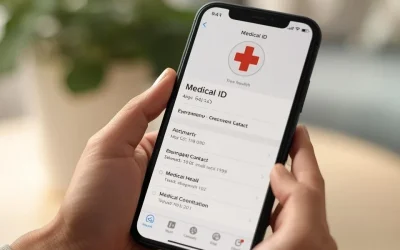
How to Set Up Medical ID on iPhone (Step-by-Step for Emergencies)
Yes, you can set up a Medical ID on your iPhone, and it only takes a few minutes. This allows you...
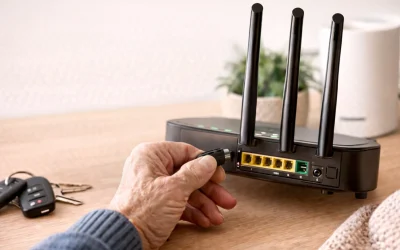
How to Restart a Router (Beginners Guide)
Yes, restarting your router usually fixes many common internet problems for most home users,...
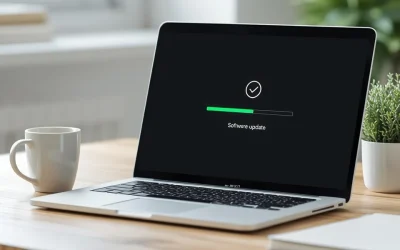
How to Install Updates Safely on Windows and Mac (2026 Guide)
By Jason Stanley, Senior Tech Help · Last updated: October 21, 2026 · Facts checked against the...
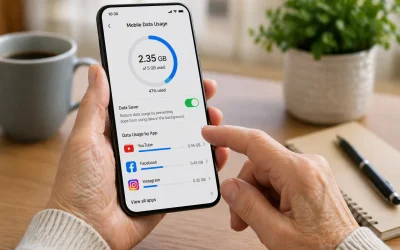
How to Reduce Mobile Data Usage (Step-by-Step for Beginners)
To reduce mobile data usage, first connect your phone to **Wi‑Fi** whenever possible, then turn...

How to Order Groceries Online: A Step-by-Step Guide for Seniors and Caregivers
By Jason Stanley, Senior Tech Help · Last updated: October 20, 2026 · Facts and prices checked...

How to Fix Slow Internet at Home (Step by Step)
By Jason Stanley, Senior Tech Help · Last updated: October 22, 2026 · Facts checked against the...

How to Attach Photos to an Email (Step-by-Step for Seniors)
By Jason Stanley, Senior Tech Help · Last updated: October 21, 2026 · Facts checked against the...
Why Seniors Trust Senior Tech Help
✔ Clear Step-By-Step Instructions
No confusing tech jargon.
✔ Practical, Real-World Help
Solutions for everyday problems.
✔ Beginner-Friendly Explanations
We explain what buttons to press and why.
✔ Safety-First Approach
Learn how to stay protected online.
Senior Tech Help provides straightforward tutorials designed specifically for seniors and beginners. Our goal is to make technology safer, easier, and less stressful, with clear guides you can follow at your own pace.