
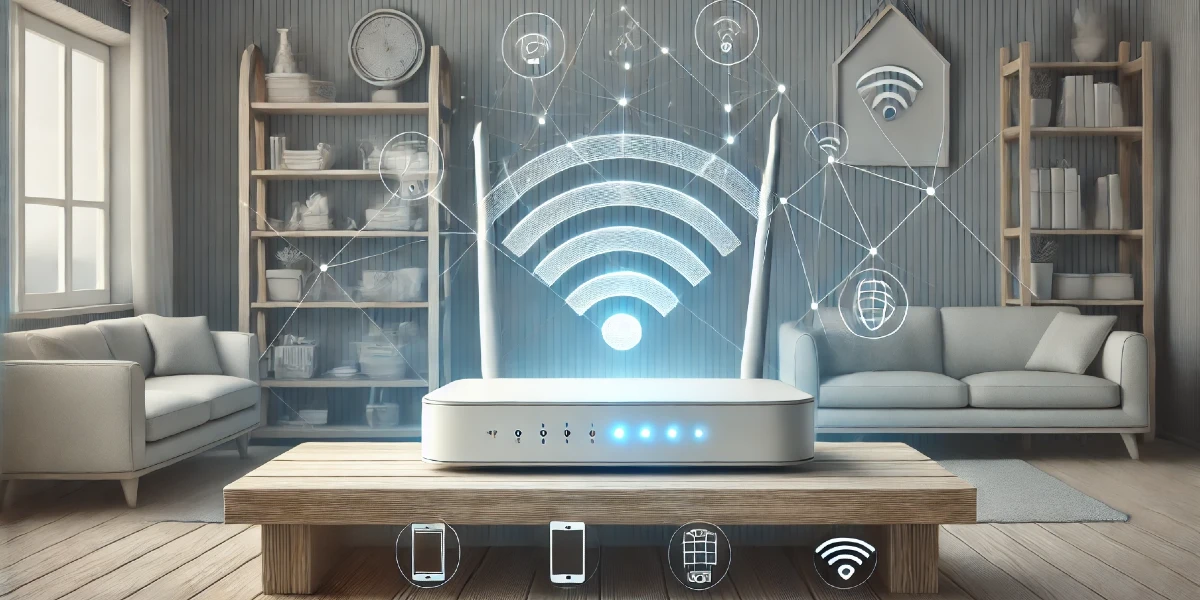

The short answer: a modem connects your home to your internet company. A router takes that connection and shares it with your phone, tablet, TV and computer, usually over Wi-Fi (Verizon). Many internet companies now give you one box that does both jobs, often called a “gateway” (Xfinity).
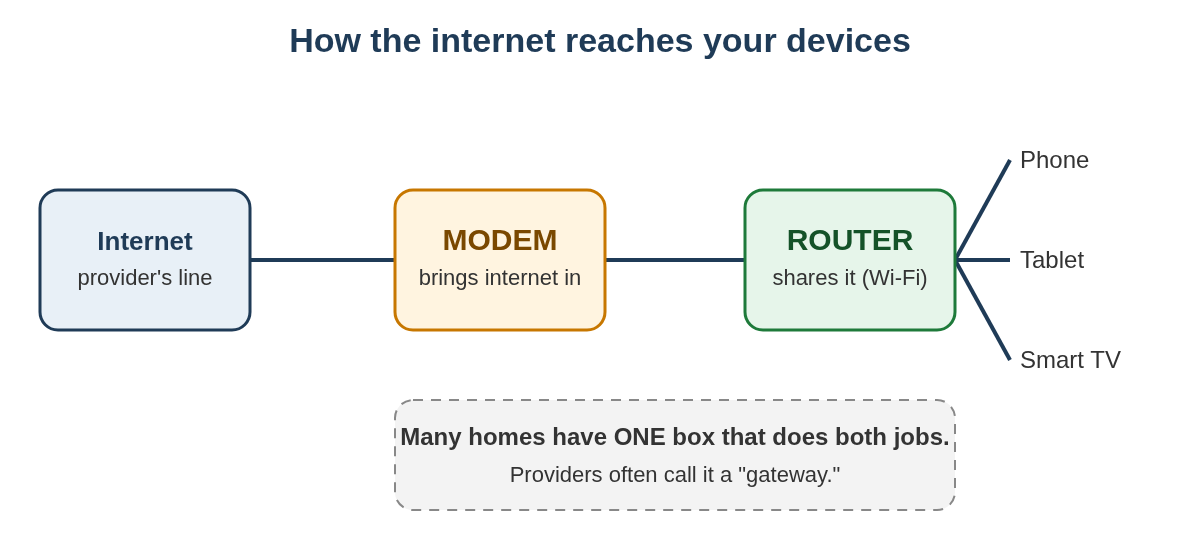
An everyday way to picture it
Think of your internet like the water supply. The modem is where the main pipe enters the house. The router is the plumbing that carries water to every faucet. You need both to get water in the kitchen. Sometimes they’re built into one unit.
How to tell which one you have (5 minutes)
- Find the box where your internet company’s cable or line comes into your home.
- Count the boxes. If only one box is plugged into that line and your devices connect to it over Wi-Fi, you most likely have a combined modem-router (gateway).
- Look at the sticker on the bottom or back. If it shows a Wi-Fi network name and Wi-Fi password, that box makes your Wi-Fi, so it includes a router.
- Two boxes connected by a short cable? The one attached to the wall line is the modem. The one your devices connect to over Wi-Fi is the router.
- Still not sure? Call your internet company and ask, “Is my equipment a modem, a router, or a gateway?” Read them the model name from the sticker.
Why it matters
- When the internet stops working, the order you restart things in matters (see below).
- When Wi-Fi is weak in some rooms, the router or its placement is usually what to improve. Verizon notes that larger homes may need a Wi-Fi extender or a “mesh” system with several units (Verizon).
- If you want to use your own router with a provider’s gateway, the gateway may need to be switched to “bridge mode” so it acts only as a modem. Your provider can help with this (Xfinity example).
Restarting the right way
Netflix’s troubleshooting steps give a clear order (Netflix):
- Unplug the modem, and the router if it’s a separate box, from power for 30 seconds.
- Plug the modem back in first. Wait until no new lights are blinking.
- Then plug the router back in and wait for its lights to settle too.
- Try your device again.
Our step-by-step guide to restarting a router walks through this in more detail.
Keep your router safe
The U.S. Cybersecurity and Infrastructure Security Agency (CISA) recommends these steps for home routers (CISA):
- Change the router’s administrator password from the factory default.
- Change the default network name (SSID).
- Keep the firmware up to date. Check the manufacturer’s website, and turn on automatic updates if your router offers them.
- Use the strongest encryption available, WPA3 if your router supports it.
If the box came from your internet company, its app or support line can usually help you change these settings.
