
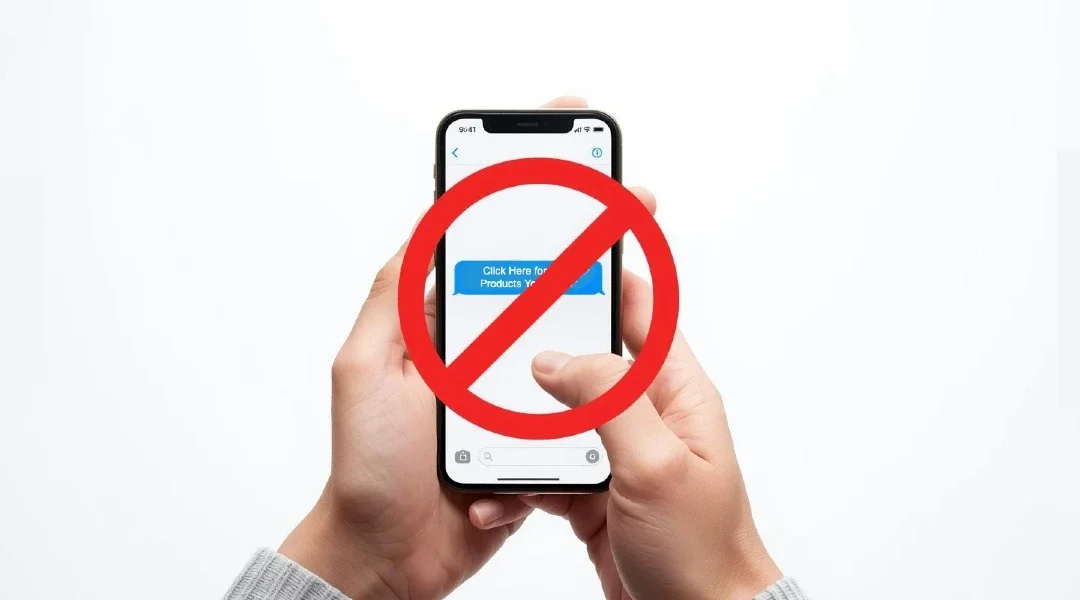

The short answer: don’t tap a link in a text you weren’t expecting, even if it seems to come from your bank, a delivery company, a toll road or Amazon. If the message might be real, open the company’s app or type its web address yourself, or call a number you know is real. Then forward the scam text to 7726 (SPAM) and delete it (FTC).
Why this matters more than ever
- In 2025, text messages were the most common way scammers first contacted people who reported fraud to the FTC. Total reported fraud losses reached $15.9 billion (FTC, March 2026).
- In 2024, people reported losing $470 million to scams that started with a text (FTC).
- For people 60 and older, reported losses to text scams have grown more than eightfold since 2020. Many of these texts pretend to be from businesses like Amazon or a bank (FTC Older Adults report, Dec. 2025).
The most common scam texts
The FTC’s top text scams of 2024 were (FTC):
- Fake package delivery problems (“We couldn’t deliver your package. Update your address.”)
- Fake job offers, especially “task” jobs that pay you to like videos or rate products
- Fake fraud alerts from your “bank” asking you to confirm a charge
- Unpaid toll messages
- “Wrong number” texts that turn into friendly chats, then a romance or investment pitch
What a bad link can do
A link in a scam text may open a fake website that looks real. If you sign in there, the scammers can steal your username and password. Other links can install harmful software that steals your personal or financial information (FTC). Real companies won’t text you asking for your account details (FTC).
What to do instead
- Don’t tap the link, and don’t reply.
- Check on your own. Open the company’s app, type its web address yourself, or call the number on your card or statement (FTC).
- Report it: forward the text to 7726, use “Report junk” or “Report spam” in your messaging app, and report it at ReportFraud.ftc.gov (FTC).
- Delete it.
If you already tapped the link
- If you typed a password, change it right away on the real website. Change it anywhere else you used the same password.
- If you entered card, bank or Social Security details, go to IdentityTheft.gov for step-by-step help, and call your bank on the number on your card (FTC).
- If you downloaded something, update your phone and delete any app you don’t recognize.
- Keep your phone’s software up to date, and turn on two-step sign-in for your important accounts (FTC).
Filter scam texts before you see them
Your phone may be able to filter texts from unknown senders, and your wireless company may offer blocking tools too (FTC). The FTC’s page links to Apple’s and Android’s instructions.
