By Jason Stanley, Senior Tech Help · Last updated: October 22, 2026 · Facts checked against the official sources linked in this guide. The short answer: for most people with weak eyesight, the iPad 11-inch (A16) is the easiest choice. It has a bright 11-inch screen...
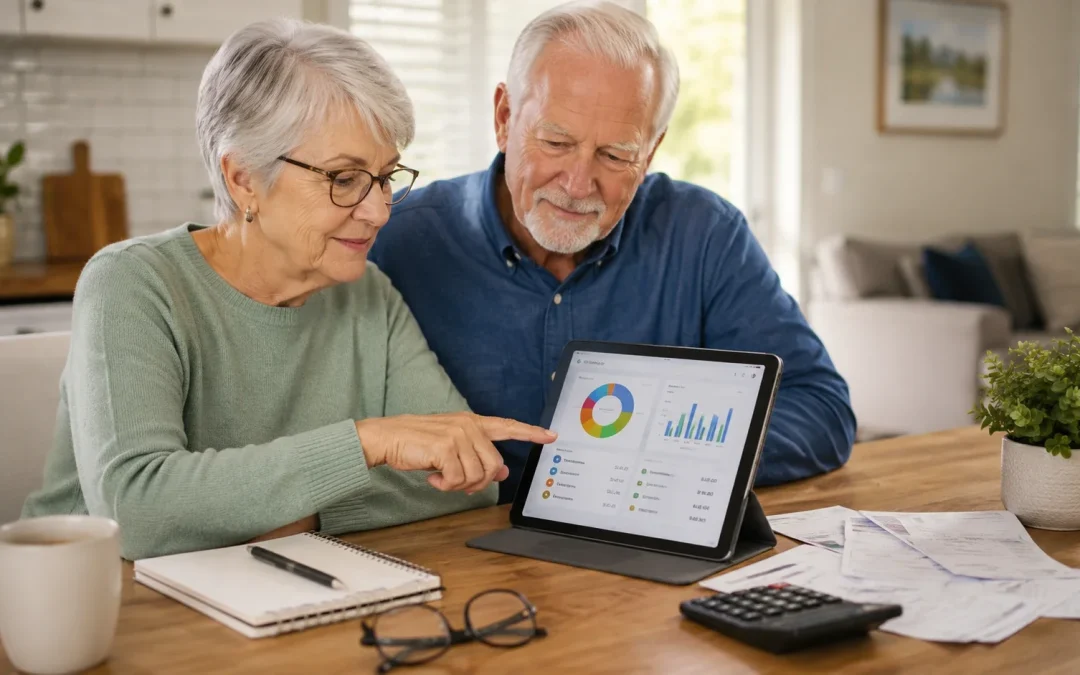
For most seniors who want a simple way to see where their money is going, a basic budgeting app like Mint Mobile or EveryDollar is usually the easiest place to start. In most cases, seniors who like clear lists and fewer features do better with EveryDollar, while...
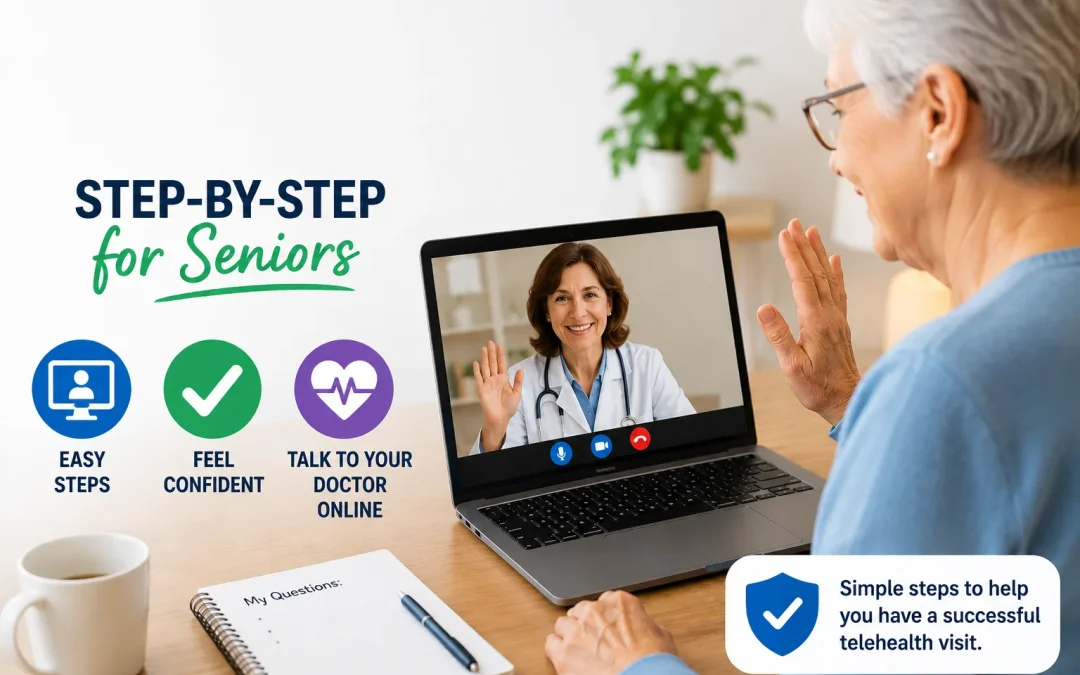
Most seniors can use telehealth appointments for many routine medical visits using a smartphone, tablet, or computer with a camera and internet connection. Telehealth lets you see and talk with your doctor from home, which is easier for many people with mobility or...
By Jason Stanley, Senior Tech Help · Last updated: October 20, 2026 · Facts and prices checked against the official sources linked in this guide. The short answer: open your usual grocery store’s app or website (or a delivery service such as Instacart), create...
By Jason Stanley, Senior Tech Help · Last updated: October 21, 2026 · Facts checked against the official sources linked in this guide. The short answer: the safest way to pay bills online is through your own bank’s app or website (look for “Bill...