Backing up your phone is an important step to keep your memories and important information safe. Whether you have a smartphone or a simple mobile phone, knowing how to back it up can save you from losing precious photos, contacts, and messages. In this guide, we will...
By Jason Stanley, Senior Tech Help · Last updated: October 22, 2026 · Facts checked against the official sources linked in this guide. The short answer: on iPhone, open Contacts, tap +, type the name and number, and tap Done (Apple). On Android, open Contacts, tap Add...
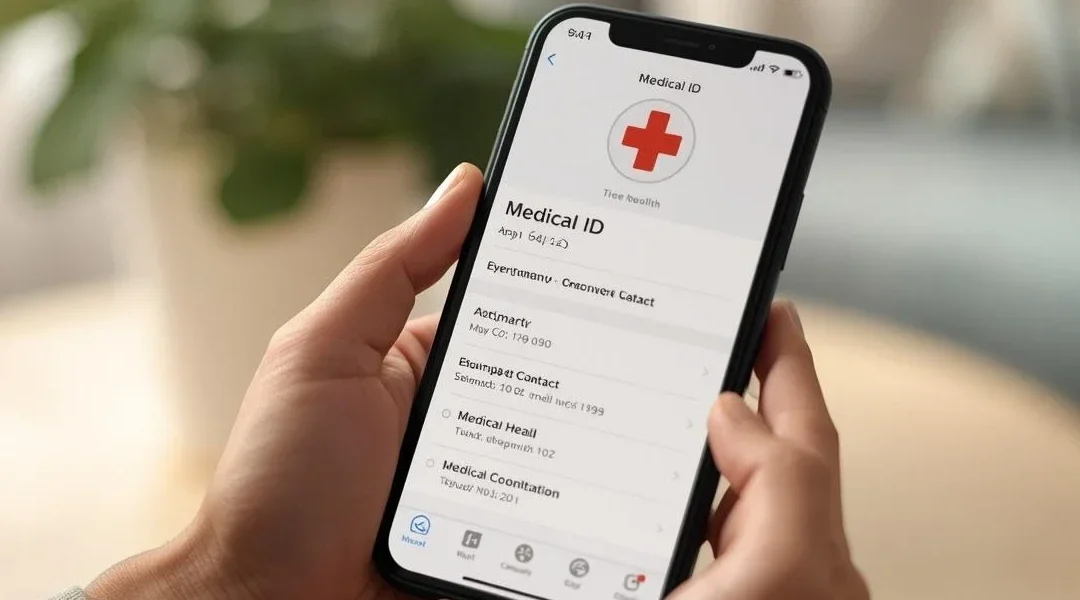
Yes, you can set up a Medical ID on your iPhone, and it only takes a few minutes. This allows you to add important health information so emergency workers can access it from your Lock Screen. Table of Contents Quick Summary What This Usually Means Step-by-Step: How to...
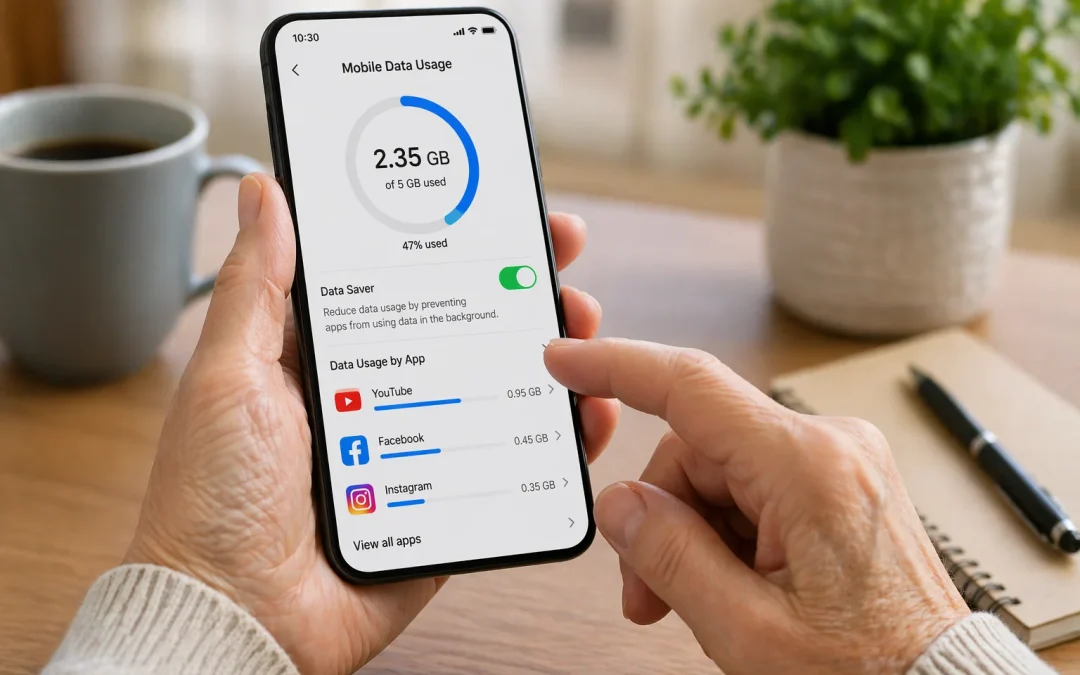
To reduce mobile data usage, first connect your phone to **Wi‑Fi** whenever possible, then turn off **Background App Refresh** (iPhone) or **Background data** (Android) for apps you do not use often. Open your phone’s **Settings**, tap **Cellular** or **Mobile data**,...
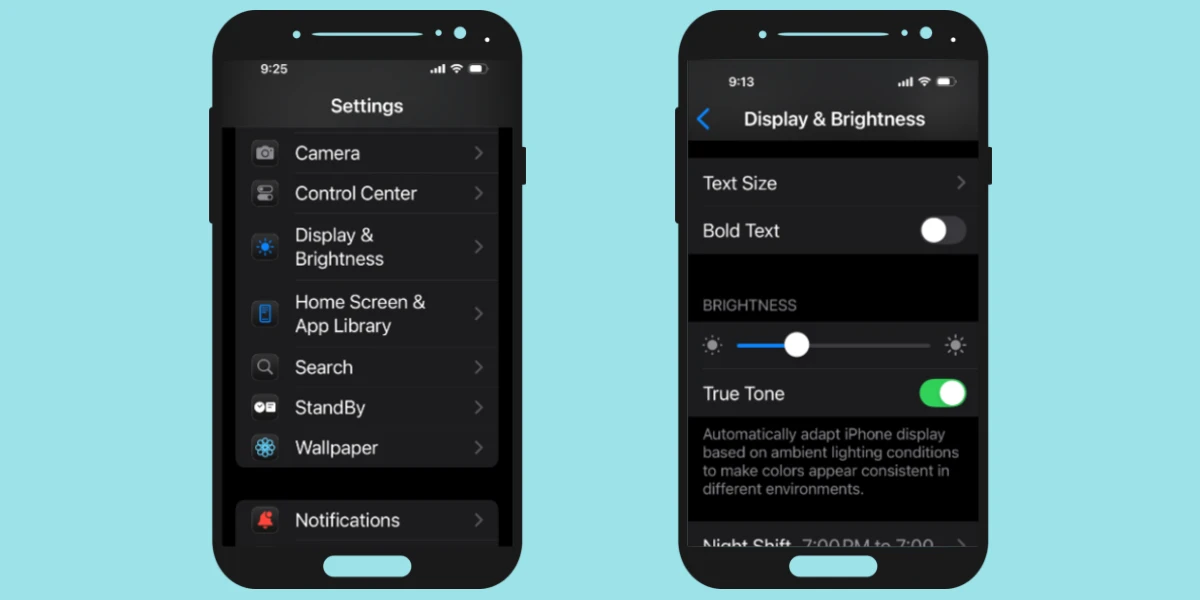
By Jason Stanley, Senior Tech Help · Last updated: October 21, 2026 · Facts checked against the official sources linked in this guide. The short answer: on an iPhone, go to Settings > Accessibility > Display & Text Size > Larger Text and drag the slider...